Any format looks perfect everywhere.
Reels, wide videos, before and afters and every photo on your camera roll. Drop them in and they look right on every phone, every laptop and behind every headline.
Before and afters
Pick two photos, tap once, done. Side by side, a slider or a tap to reveal.
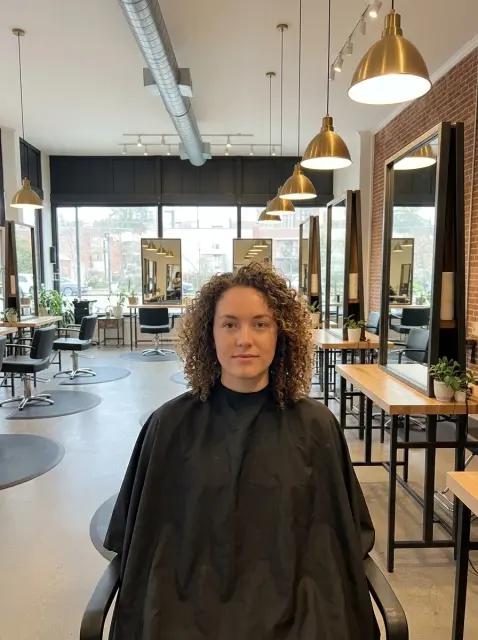 Before
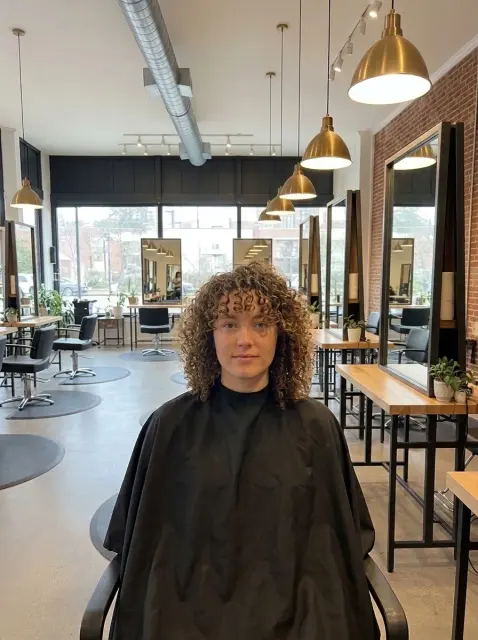 After
 Before
 After
Reels and tall videos
Straight off your phone, standing up.


Wide videos
Behind your headline, looping, on every screen.


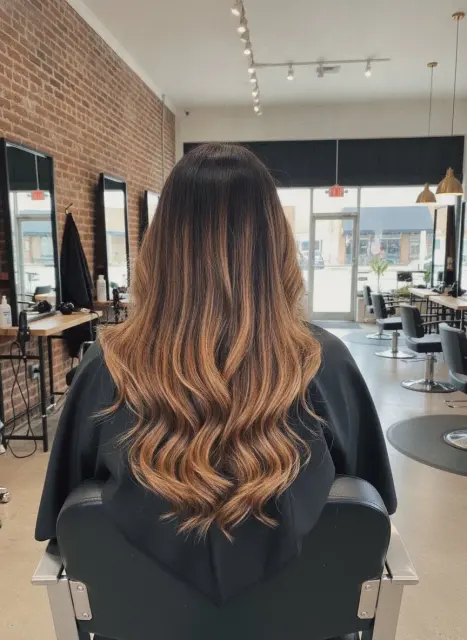
Photos
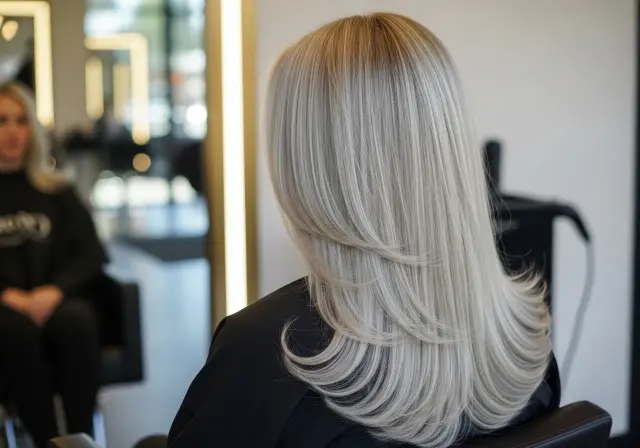
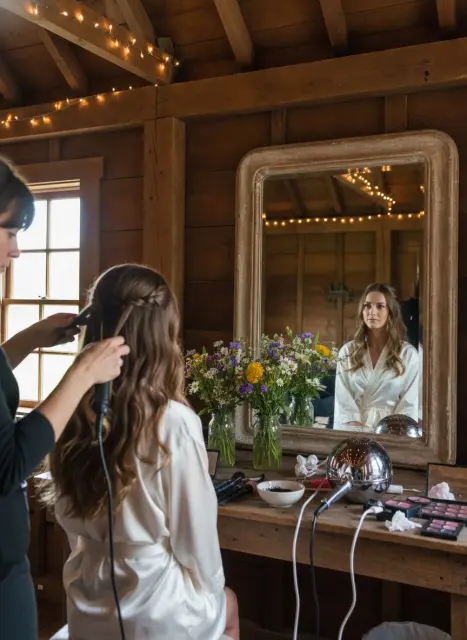
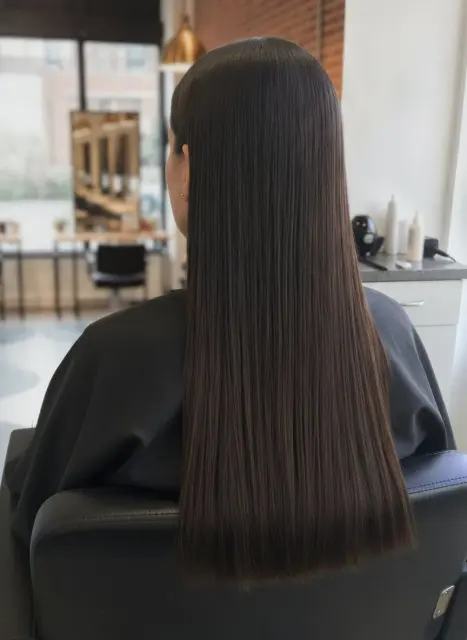
Every shot from the chair, sized for wherever it lands.
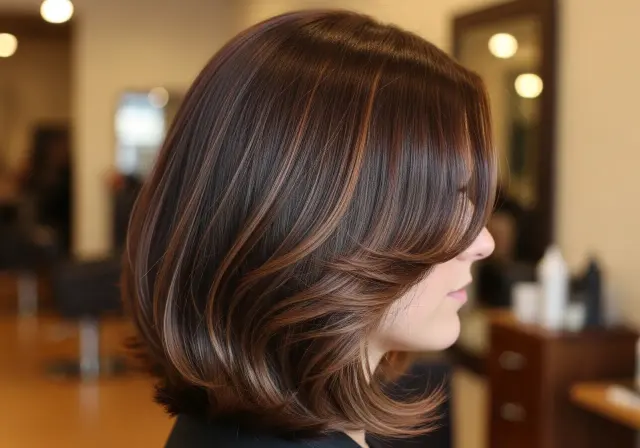


Squares
Your grid, ready for your gallery.

Optimization, built in
Any shape
One upload fills a reel, a wide hero or a square tile, and your focal point keeps her face in frame.
Sized for every screen
Every photo is cut into fifteen widths, so her phone gets the small one and your laptop gets the big one.
Videos made for phones
Every video comes back as a fast MP4 with its own phone version and a cover frame.
Fast, first to last
Your hero shows up first and everything under it loads as she scrolls.
Private by default
Location and phone details come off every video before it reaches your site.
Drop it hereDoneNothing to export
No compressing, resizing or export settings before you upload. Drag it in and that's it.
Tap the photo to set its focus. It applies everywhere this photo is used. Saved
Her face stays in frame on every crop.
Your site shows the same photo as a square tile, a tall card and a wide banner. Tap her face once in your Studio and every one of those crops centers on it, on every page and every screen.
What it ends
- Heads cut off in the square gallery tile
- The best part of the photo cropped out of a wide banner
- Downloading a photo, cropping it on your phone and uploading it again just to get a square
- Keeping three copies of one photo for three different spots
Your Instagram comes over already sorted.


 BeforeAfter
- Nearly automaticOpen the import, pick your account and approve what it found. That's the whole job.
- Matched to services and stylistsEvery photo and video lands on the right service and the right stylist's page.
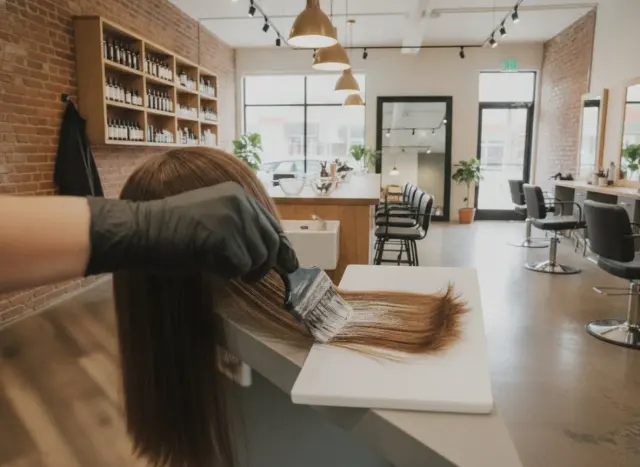
- Before and afters, found for youA carousel post with a before and an after turns into a before and after pair on its own.